2. Navigation
Folder: 02_nav/
Files: index.html, nav.js
Screenshot of Solution:

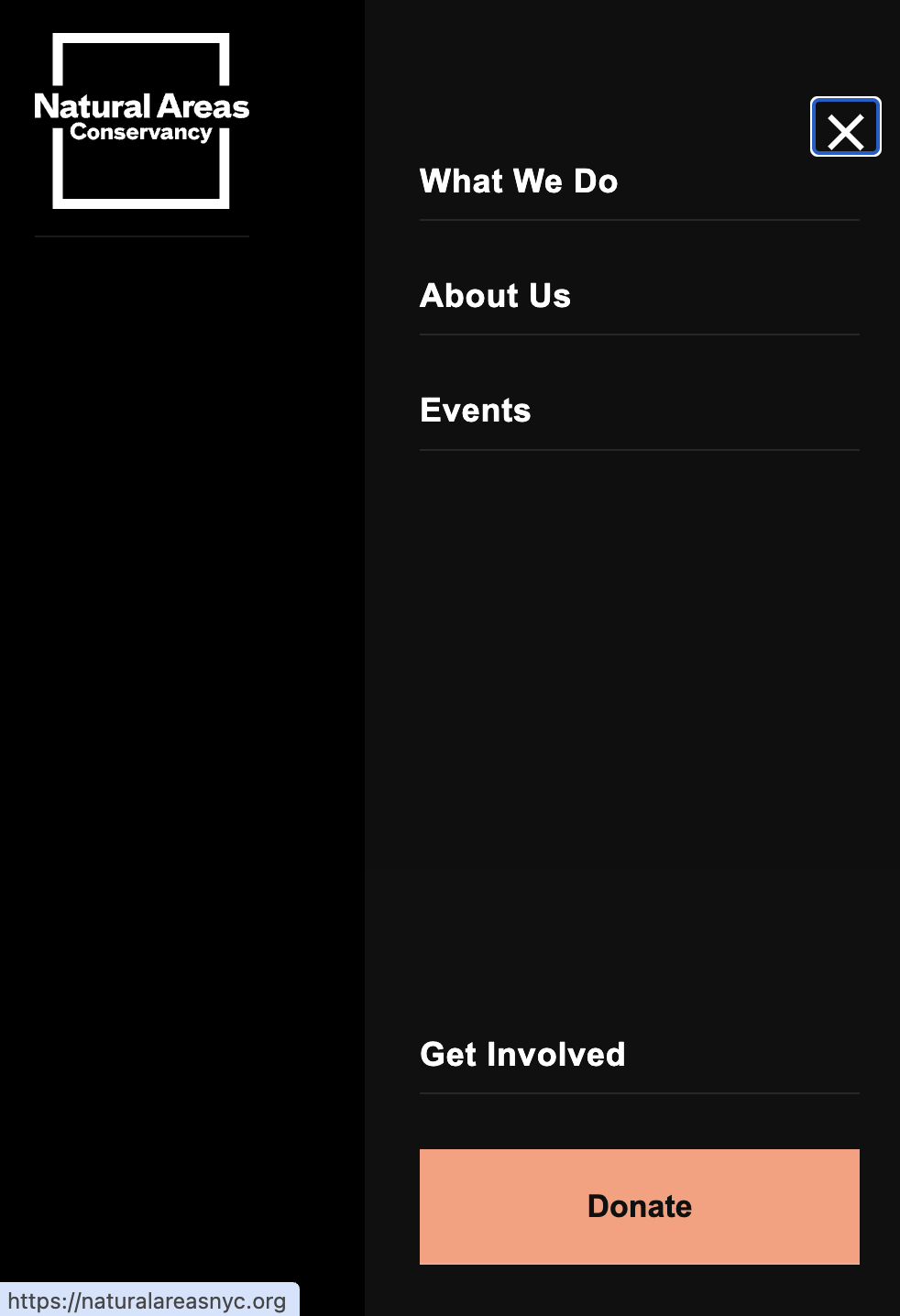
Overview
Much of the navigation code is already given to you in the style guide and in utility-classes.css. Your job is to integrate and link this code together.
HTML (index.html)
Refer to the Style Guide: Navigate to the Style Guide Demo and look for the Navigation Pattern section in the "Hero Section and Cards" area. Copy the HTML structure and paste it inside your <header></header> tag.
Then, adjust the link text and hyperlinks to match the screenshot above:
- Left nav links: "What We Do", "About Us", "Events"
- Right nav links: "Get Involved", and a "Donate" button
CSS (nav.css)
The navigation CSS styles are already included in utility-classes.css. Make sure to link this file in your HTML:
<link rel="stylesheet" href="../utility-classes.css">
<link rel="stylesheet" href="nav.css">
You may need to add minimal styles to nav.css if you need to override any styles specific to this exercise (like body background color), but the core navigation styles are in the utility classes.
JavaScript (nav.js)
To attach the JavaScript, paste the following <script> tag within the <head></head> of your HTML document:
<script src="nav.js" defer></script>How it works:
- Click hamburger →
toggleMenu()runs - Toggles
activeclass on<nav>element - CSS rule
nav.active .nav-linksautomatically shows all nav links (cascading) - Click outside → body click listener closes menu
Key JavaScript concepts:
classList.toggle()- adds class if missing, removes if presentev.stopPropagation()- prevents event from bubbling to parentev.target.closest()- checks if click is inside a specific element- No loops - we let CSS cascading do the work!